
If you are visiting China for the first time, you will find that the payment methods here are very different from those in other parts of the world. Although you may be used to using Apple Pay, Google Pay, or simply swiping your credit card, in China, internationally accepted payment methods are not applicable in most scenarios. To ensure a hassle-free experience from street food to high-speed rail travel, Alipay and WeChat Pay are essential tools for your trip in China.
Alipay
Step 1. Download
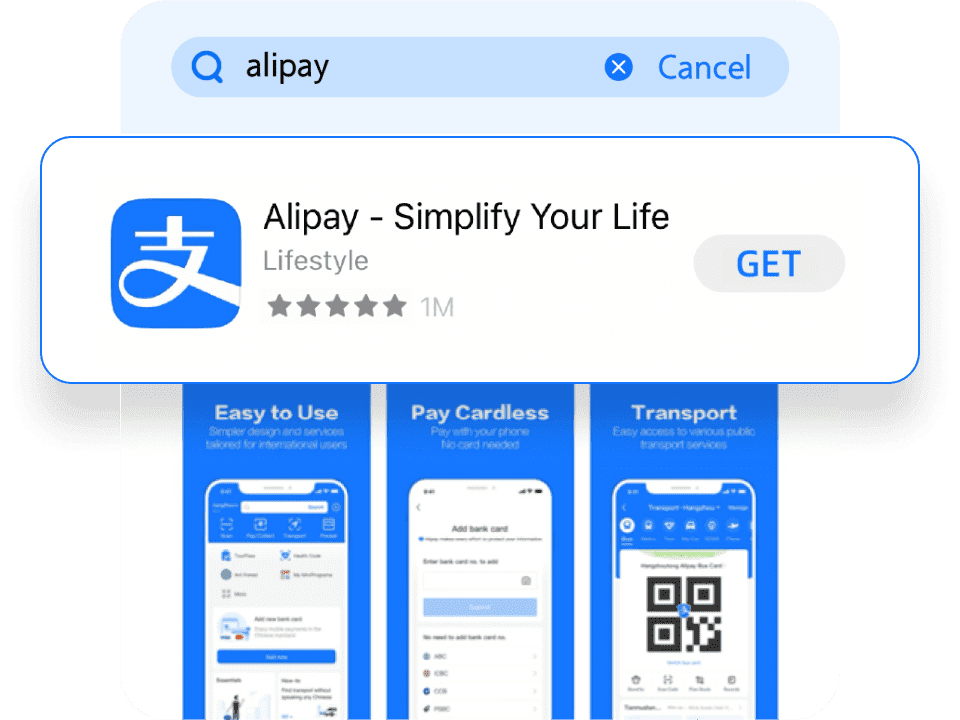
Search for “Alipay” in the App Store or Google Play and download the app. Please make sure you install the international version of Alipay, as downloading the mainland China version may cause compatibility issues for overseas users.
Step 2. Sign Up
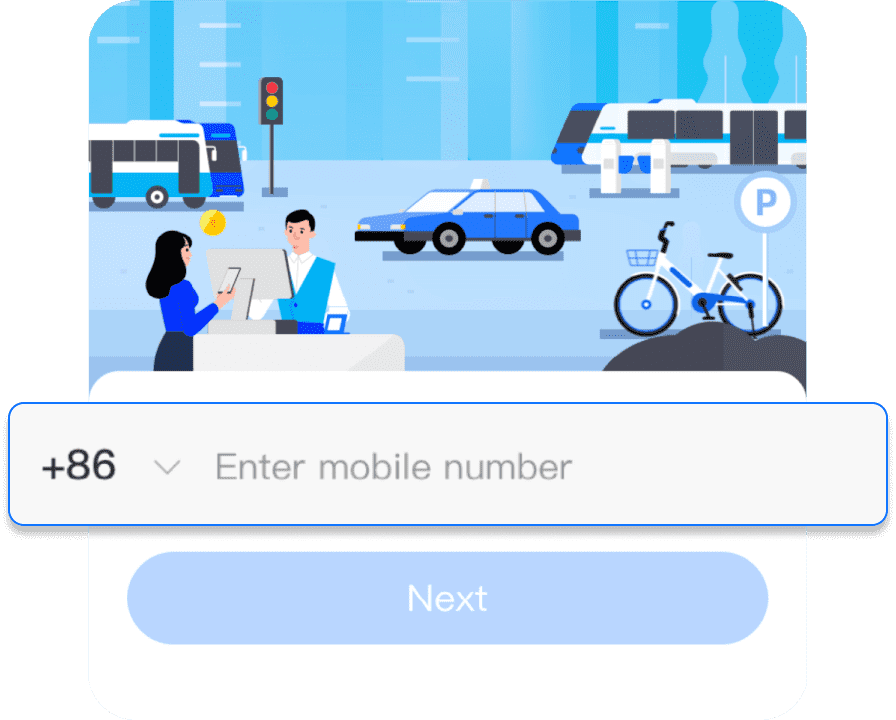
Complete registration using your local mobile phone number.
Please note_ that this mobile phone number must ensure that it can still receive verification codes normally after arriving in China. During the subsequent payment process, you may be required to enter the mobile verification code to complete the verification._
Step 3. Link a Card
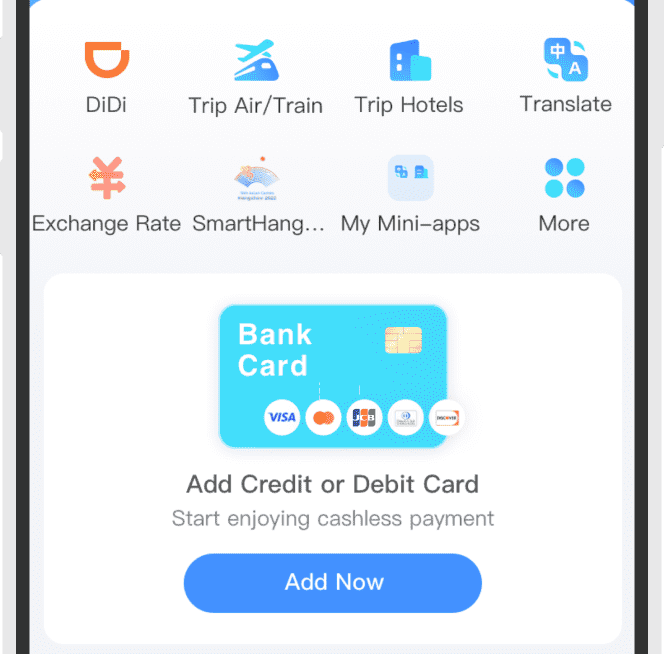
Add your Visa, Mastercard, JCB, Diners Club, or Discover card to complete the binding process. Once this is done, you can start making payments by scanning QR codes with Alipay.
Important note: At this stage, your annual transaction limit in Alipay will be capped at around USD 2,000, and certain features such as metro QR entry and high-speed rail ticket booking will not be available.
To increase your limit and unlock additional functions, you will need to complete further identity verification.
Step 4. Verification
Go to Me > Settings > Account and Security > Identity Verification, then upload your passport and complete the facial recognition process.
After completing identity verification, your limits will be increased to approximately USD 5,000 per single transaction and USD 50,000 annual cumulative spending. You will also be able to access additional features such as metro QR code entry and high-speed rail ticket booking. How to book high-speed train tickets.
How to Pay with Alipay
There are mainly two ways for foreign tourists to use Alipay:
Method 1: Merchant Scans You
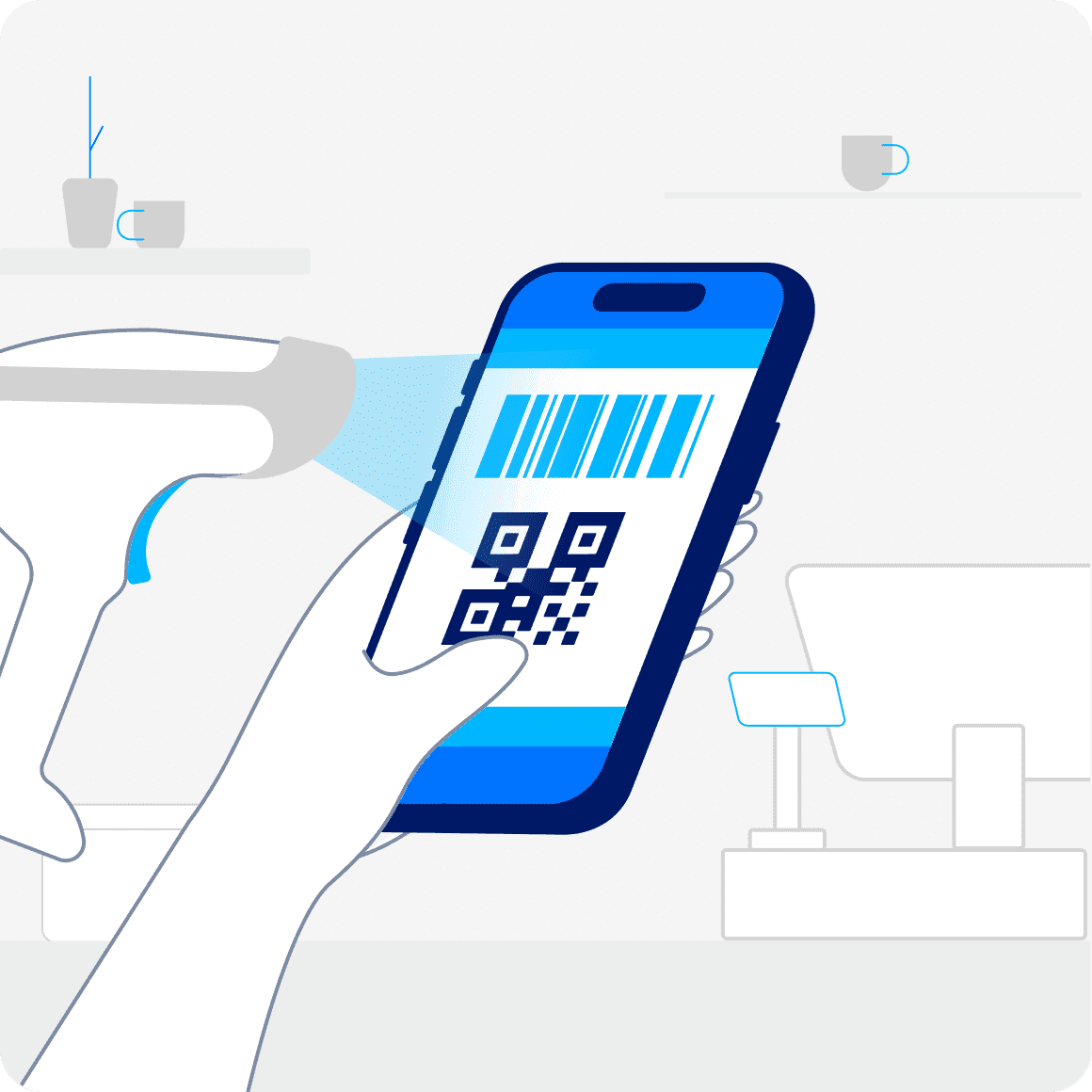
Open the “Pay” on the Alipay home page and show your QR code to the merchant.
Method 2: You Scan the Merchant
Tap “Scan” in the top-left corner of the homepage, scan the merchant’s QR code, then enter the payment amount manually and confirm the transaction.

WeChat Pay
WeChat is not just a payment tool, but one of the most essential apps in daily life in China. For travelers, its functions go far beyond messaging:
- Real-time communication: Similar to WhatsApp, you can add contacts such as hotel staff or tour guides. It is one of the most direct and widely used ways to communicate in China.
- Built-in translation: WeChat includes a powerful translation feature. When you receive a message in Chinese, you can simply long-press it and translate it into English, making communication much easier.
- Daily services: WeChat is also widely used for booking attractions, viewing restaurant menus, and accessing travel-related services and information.
Step 1. Download
Search for “WeChat” in the App Store or Google Play and download the app. Install the official WeChat application to get started.

Step 2. Sign Up
Register using your local phone number and complete SMS verification.
Step 3. Enable Payment
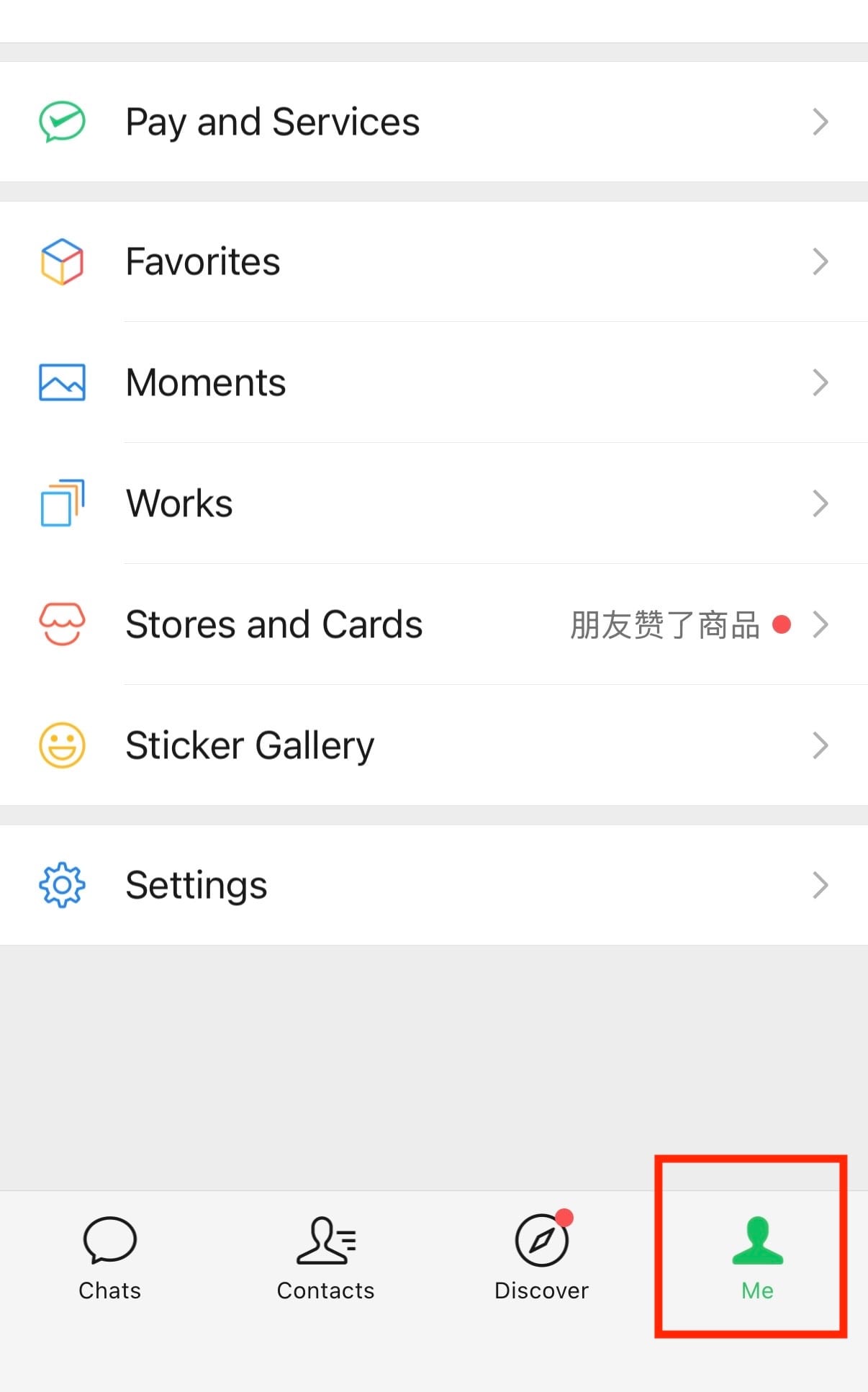
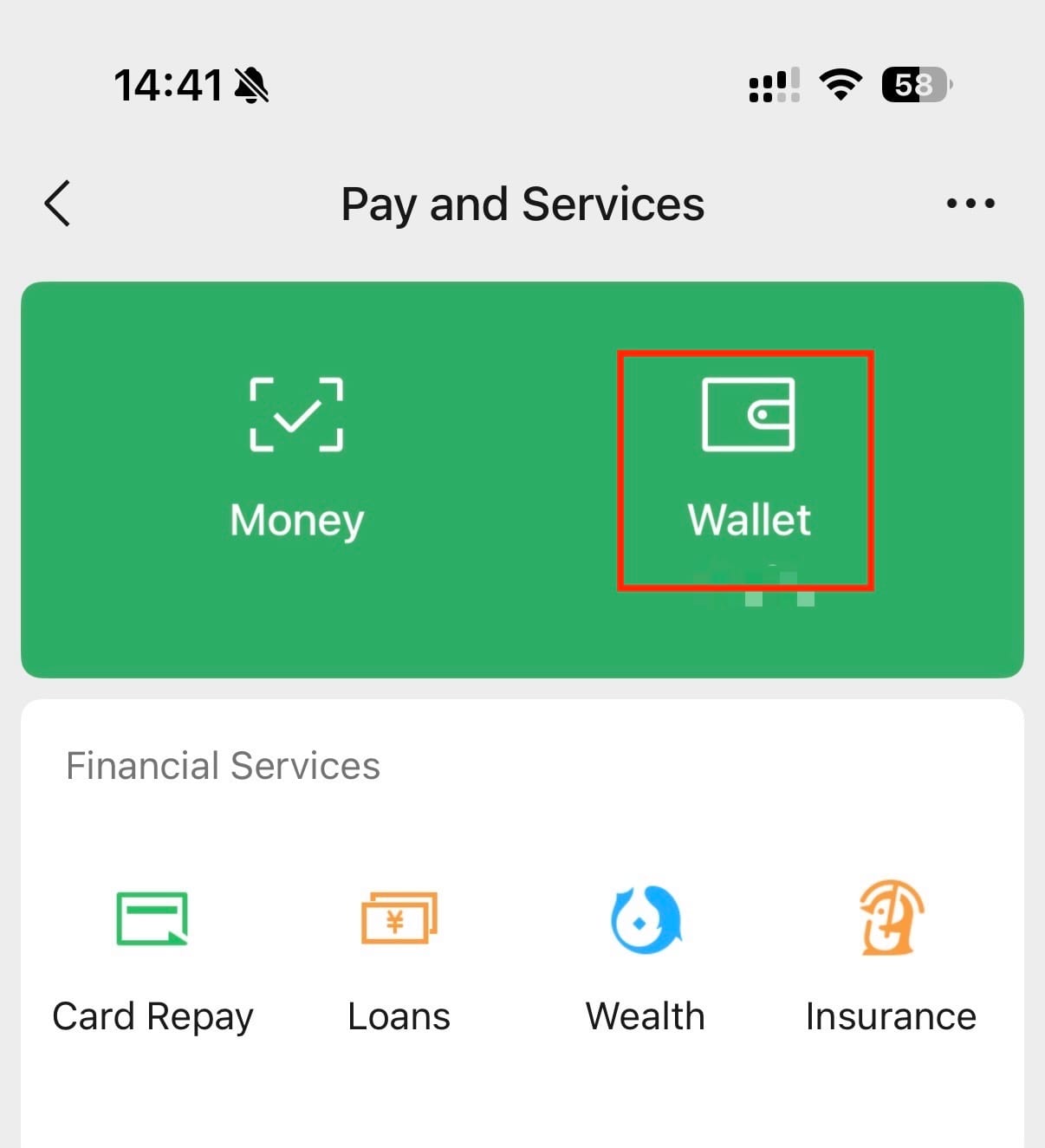
Go to Me > Services > Wallet, then tap Bank Cards > Add a Bank Card. Once completed, you can start using WeChat to make QR code payments.
Important note: At this stage, your annual transaction limit is approximately USD 2,000. To increase your limit and unlock full features such as transfers and red packets, you will need to complete identity verification.
Step 4. Verification
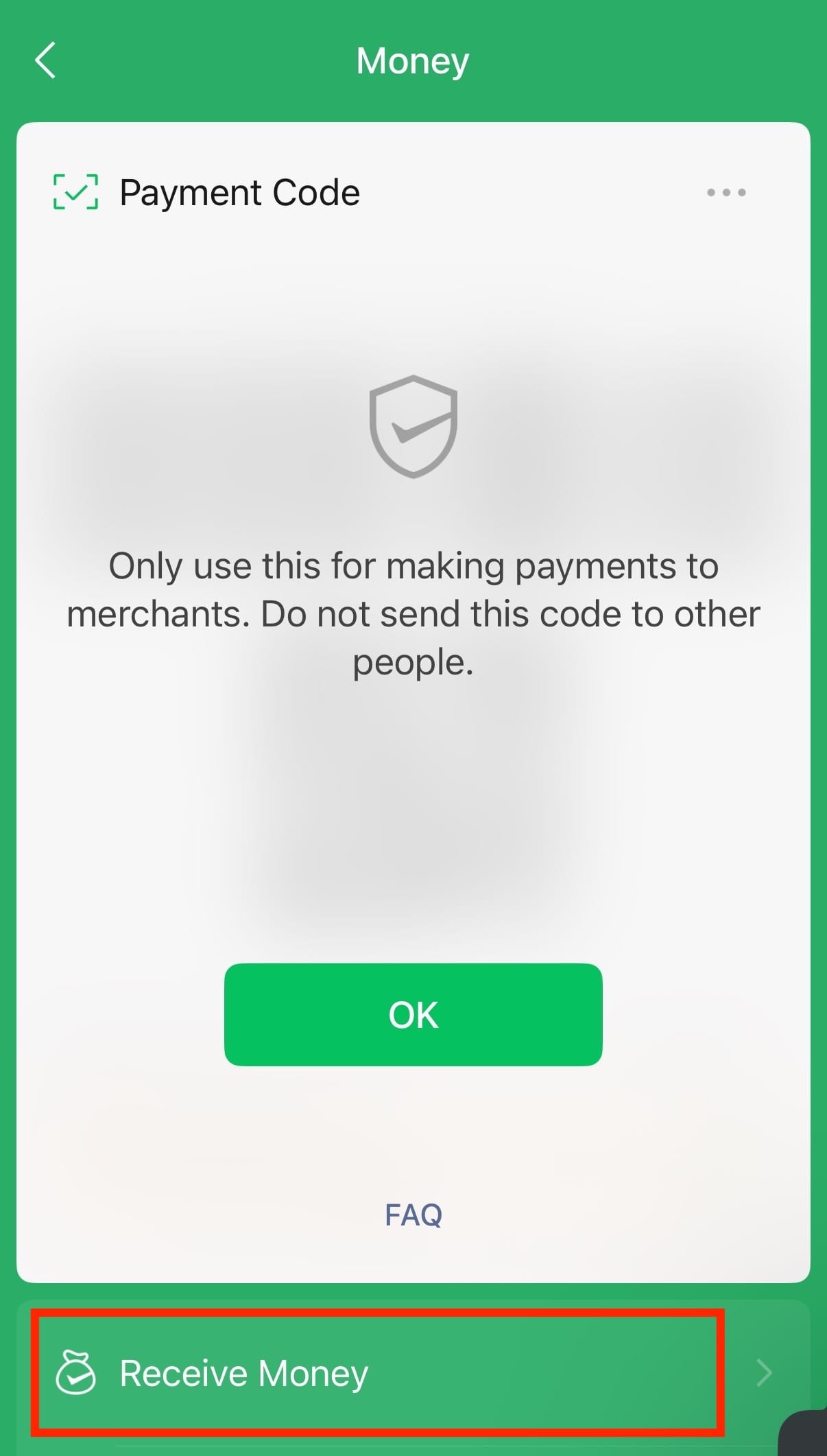
Tap “Money” / “Receive & Pay”, then upload your personal identification details and follow the instructions to complete identity verification.
After verification, your limits will increase to approximately USD 5,000 per single transaction and USD 50,000 in annual spending. You will also be able to access full features such as transfers and digital red packets.
Step 5. How to Pay with wechat
WeChat payment works similarly to Alipay and supports two main methods:
- Receive payment: Show your QR code for the merchant to scan (via “+” > Money).
- Scan to pay: Scan the merchant’s QR code yourself (via “+” > Scan).
Payment-related Frequently Asked Questions (FAQ)
Payment Strategy and Guarantee
It is strongly recommended to set up and use both apps. In practice, cross-border transactions or system security checks may occasionally trigger identity verification or temporary payment restrictions on one platform. Having both Alipay and WeChat Pay ensures you can switch instantly if one app becomes unavailable, providing a seamless payment experience throughout your trip.
Yes, it is strongly recommended to carry a small amount of RMB cash as a backup. Cash serves as the final fallback in case of system errors, connectivity issues, or a drained phone battery. Under Chinese regulations, all physical merchants are required to accept cash payments, making it a reliable backup option during your travels.
Registration and Account Verification
No. The international version of Alipay supports registration with overseas phone numbers, so a Chinese number is not required.
It is recommended to prioritize binding credit cards, Wise, or Revolut, as debit cards have a higher probability of being declined.
Passport not uploaded: Annual cumulative limit is 2000 US dollars.
Passport uploaded: Single transaction limit up to $5,000, annual cumulative limit $50,000.
Please follow the steps below to troubleshoot and resolve the issue:
- Make sure you downloaded the international version of Alipay, not the mainland China version.
- Uninstall and reinstall the app, then try verification again.
- When photographing your passport, use a dark matte background and avoid glare or reflections.
- If automatic verification fails, contact customer support in the app and request manual review.
- For some European users affected by GDPR restrictions, verification may work more smoothly after arriving in China.
Handling Fees and Transaction Limits
Alipay and WeChat Pay may charge a 3% fee for single transactions over RMB 200.
For larger bills, you can ask the merchant to split the payment into multiple smaller transactions under RMB 200 each to avoid the extra fee.
Passport not uploaded: Annual cumulative limit is 2000 US dollars.
Passport uploaded: Single transaction limit up to $5,000, annual cumulative limit $50,000.
Payment Failure and Test Troubleshooting
There are mainly two common reasons:
Bank security restrictions: Your bank may flag transactions in China as suspicious. It is recommended to add multiple payment methods such as credit cards, Wise, or Revolut, or notify your bank before traveling to China.
VPN is still enabled: Make sure your VPN is turned off. Alipay and WeChat Pay may block transactions when a foreign IP address is detected.
In WeChat Pay, linked Mastercard cards usually only work with official merchant QR codes, not personal QR codes commonly used by street vendors. If the merchant is using a personal collection code, the payment may fail.
International users generally cannot make real payments with these apps while outside China. However, you can test your setup at:
The site allows you to send a small RMB 1 test payment (around USD 0.15) to verify that your payment setup works correctly.